Watch enrollment & dispatch
Prepare a watch (Knox + line)
What preparing a watch means before linking it to a user, and how to check stock by status.
What preparing a watch means
A watch that has just been registered in the Company Portal appears as Unassigned (Sin Asignar). Before it can be linked to a user, it must be prepared. Preparing a watch involves two steps:
- Enroll Knox — the device-management setup that gets the watch ready to operate.
- Assign the phone line (or lines) — so the watch has connectivity.
Only a prepared watch (Knox + line) can be linked to a user. A watch that is not prepared cannot be delivered or linked.
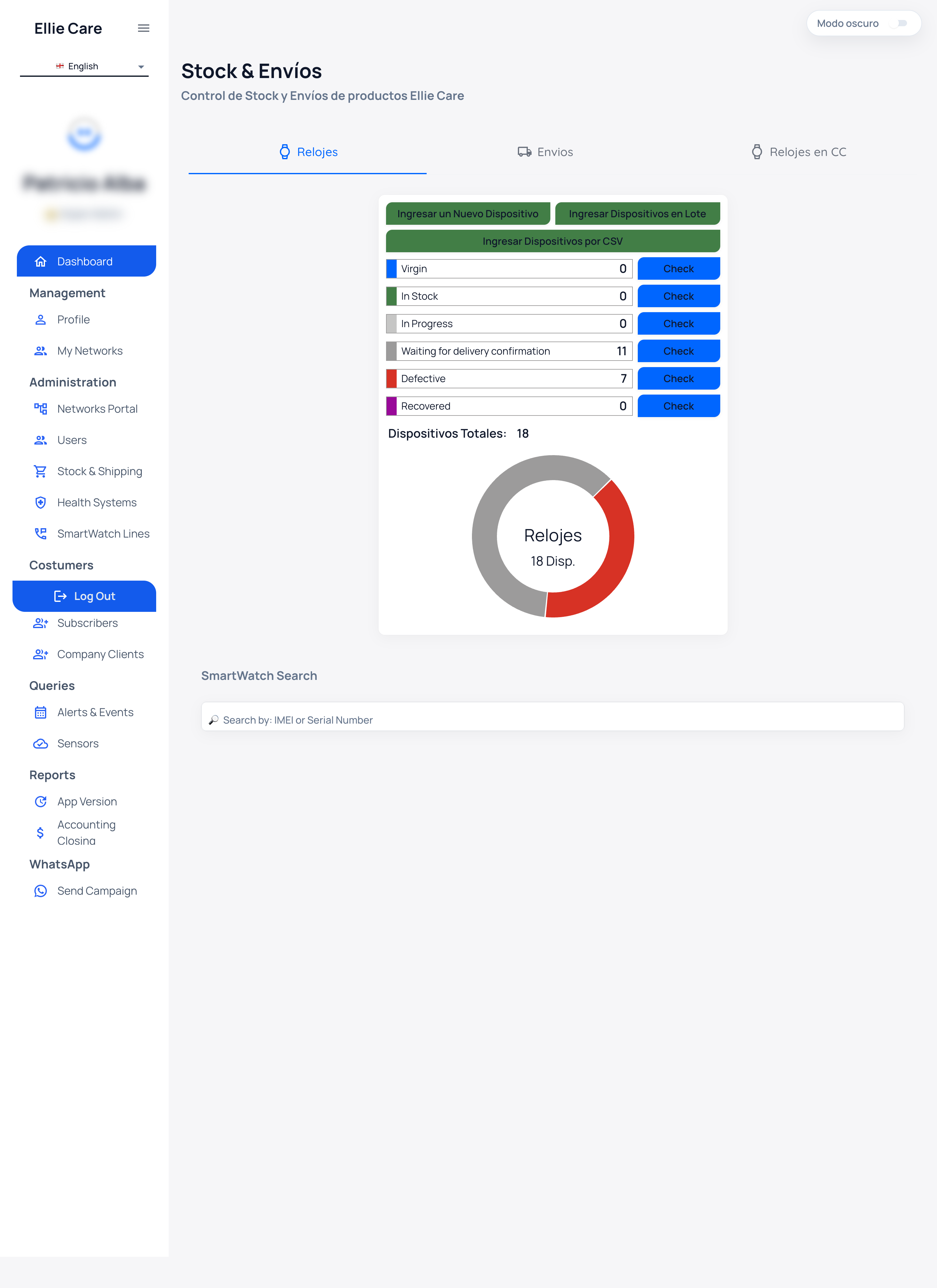
Check stock by status
In the stock view, unassigned watches are split by whether Knox is done:
| Status | Meaning |
|---|---|
| With Knox (Con Knox) | Watch is prepared, ready to link. |
| Without Knox (Sin Knox) | Watch is not prepared yet, not ready. |
To open the list for a status, use the Check (Consultar) button. This shows you the watches currently in that status so you know which ones you can link and which still need preparation.
⚠️ If a watch appears under Without Knox, do not try to link it yet: first complete the Knox enrollment and the line assignment.
✅ When a watch shows under With Knox, it is prepared and you can move on.
Next step
➡️ Once the watch is prepared, generate the pairing code: Link a watch to a user.