Watch enrollment & dispatch
SIM lines
How to register SIM lines in the Company Portal, filter them by country, and have them ready to assign when preparing a watch.
Where to do it
SIM lines are registered on the SmartWatch Lines screen, inside the Company Portal (subtitle "Creación y modificación de líneas telefónicas"). Your company registers its lines here so they can be assigned to watches later.
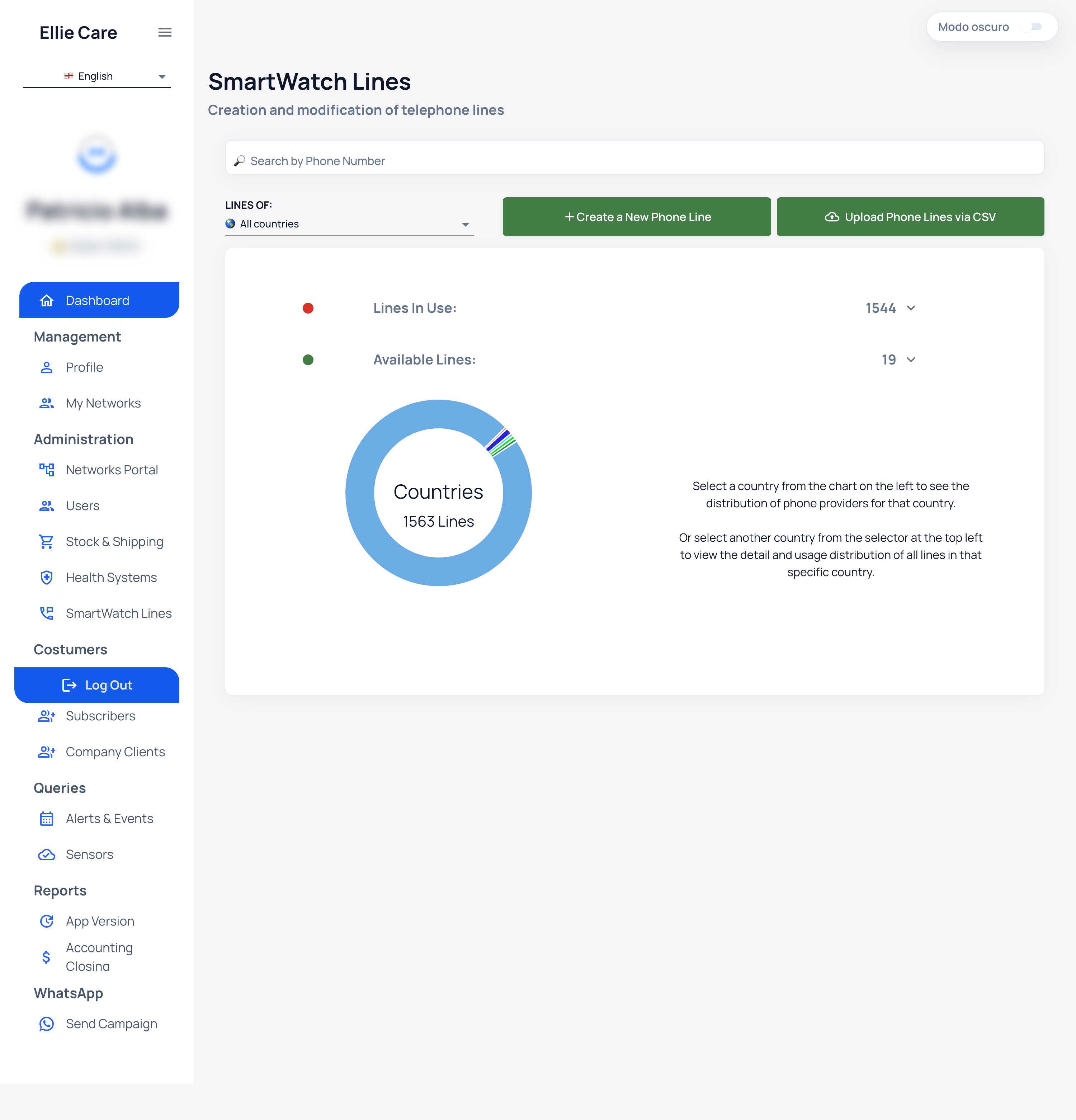
To find a specific line use Buscar por Número Telefónico (search by phone number).
Intake options
- + Crear una nueva Línea Telefónica — create a single line.
- Ingresar Líneas Telefónicas por CSV — load many lines from a CSV file.
Filters and counters
You can filter by country with LÍNEAS DE: Todos los países (lines from: all countries). Two counters give you the picture of your SIM inventory, alongside a per-country donut chart:
| Counter | Meaning |
|---|---|
| Líneas En Uso | Lines already assigned to a watch. |
| Líneas Disponibles | Free lines, ready to assign. |
Keep a buffer of Líneas Disponibles per country: if no free lines exist, you won't be able to prepare watches for that country.
How they are used later
Lines are not linked to a watch on this screen. Assignment happens during preparation (the Knox + line step): there a Línea Disponible is taken and associated with the watch.
Result: with lines registered and available, watches in Sin Asignar can move forward to Preparado.